Introducing Philter Desktop: Redact Documents Right on Your Windows PC
You have a document to send: a PDF contract, a Word letter, a spreadsheet of records. It is mostly fine to share, except for the parts that name a real person. A Social Security number here, a home address there, a phone number, an email. Before it goes out, those details need to come out.
Doing that by hand is slow and easy to get wrong. You scroll, you spot what you can, you draw black boxes, and you hope you did not miss anything. Philter Desktop changes the work from doing all of that yourself to reviewing what it found. Instead of a manual redaction task, you have a human-review task: the app does the first pass, and you check and correct it before the document goes out.
Philter Desktop is a Windows app that finds and redacts personal information in your documents, right on your own computer. Open a file, and it locates common personal details and blacks them out. You review what it found, make any changes, and save a redacted copy to share. For most documents it takes a few clicks.
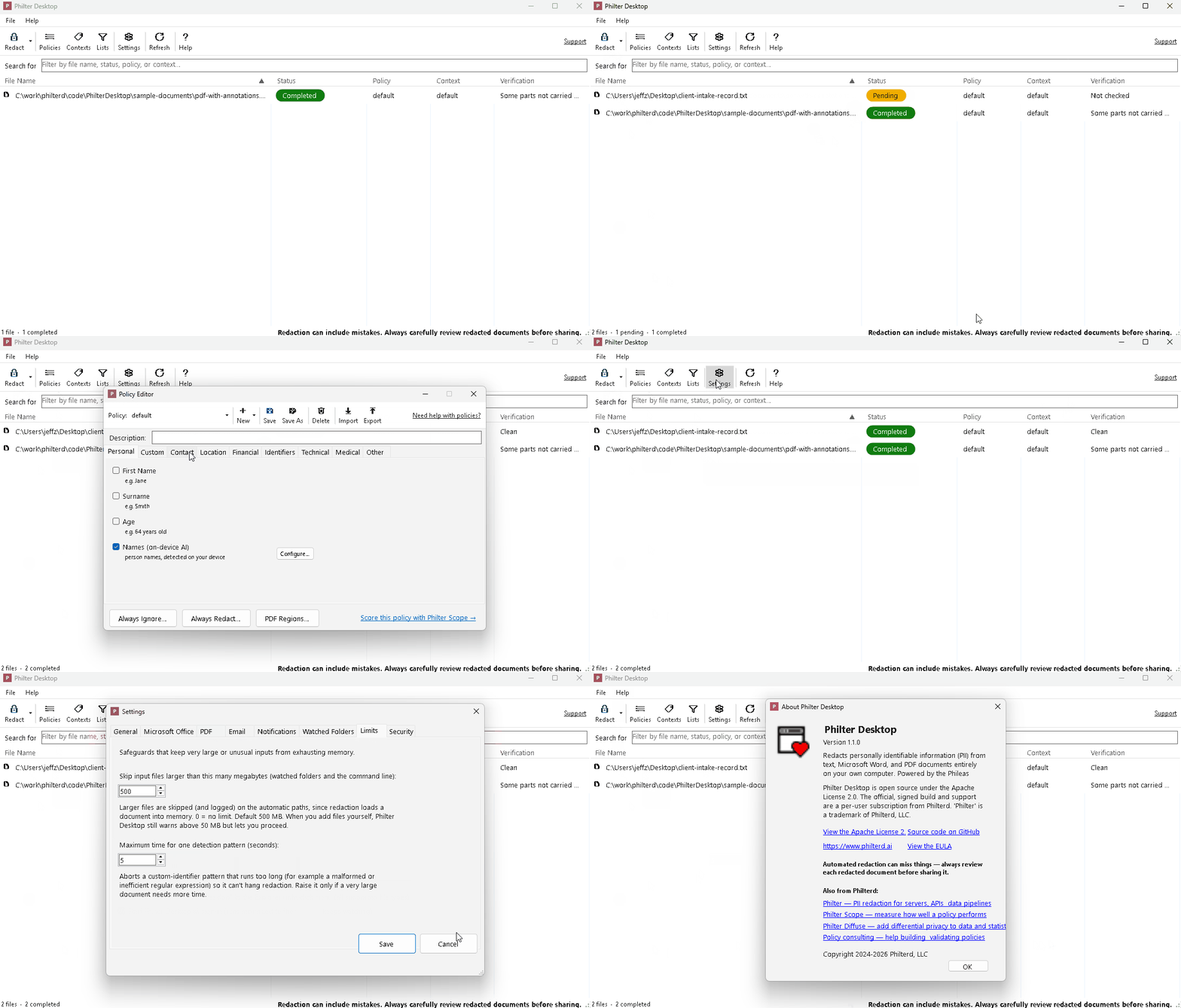
Drag in a document, get a redacted copy back
There is no setup project and no account to create. Install it like any other program on Windows 10 or 11, then drag your documents onto the window. Philter Desktop works through them and shows you the status of each one.
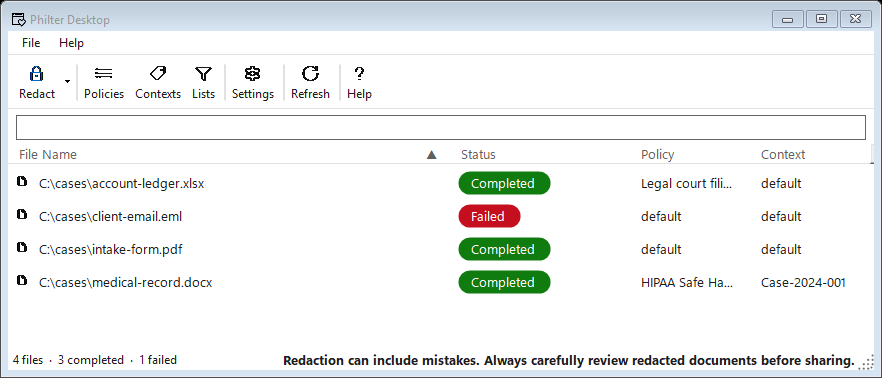
It handles the file types most people actually deal with:
- PDF (.pdf), including scanned, image-only PDFs, which it reads with on-device OCR
- Word documents (.docx)
- Excel spreadsheets (.xlsx)
- CSV files (.csv)
- Plain text (.txt)
- Rich text (.rtf)
- Email messages (.eml and .msg)
See the difference
Here is the same document before and after. Philter Desktop detects sensitive details and blacks them out, while the rest of the letter stays exactly as it was.
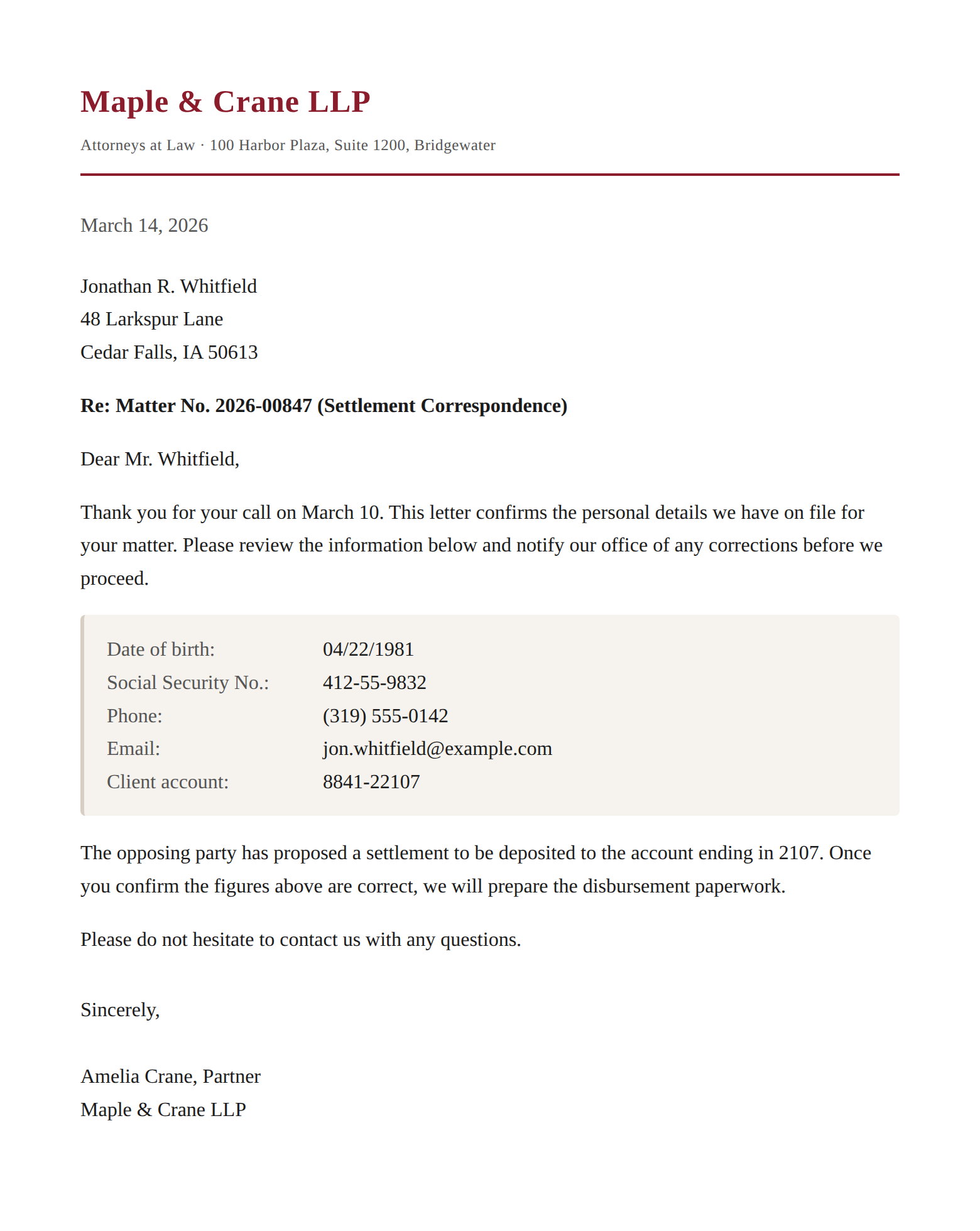 Before
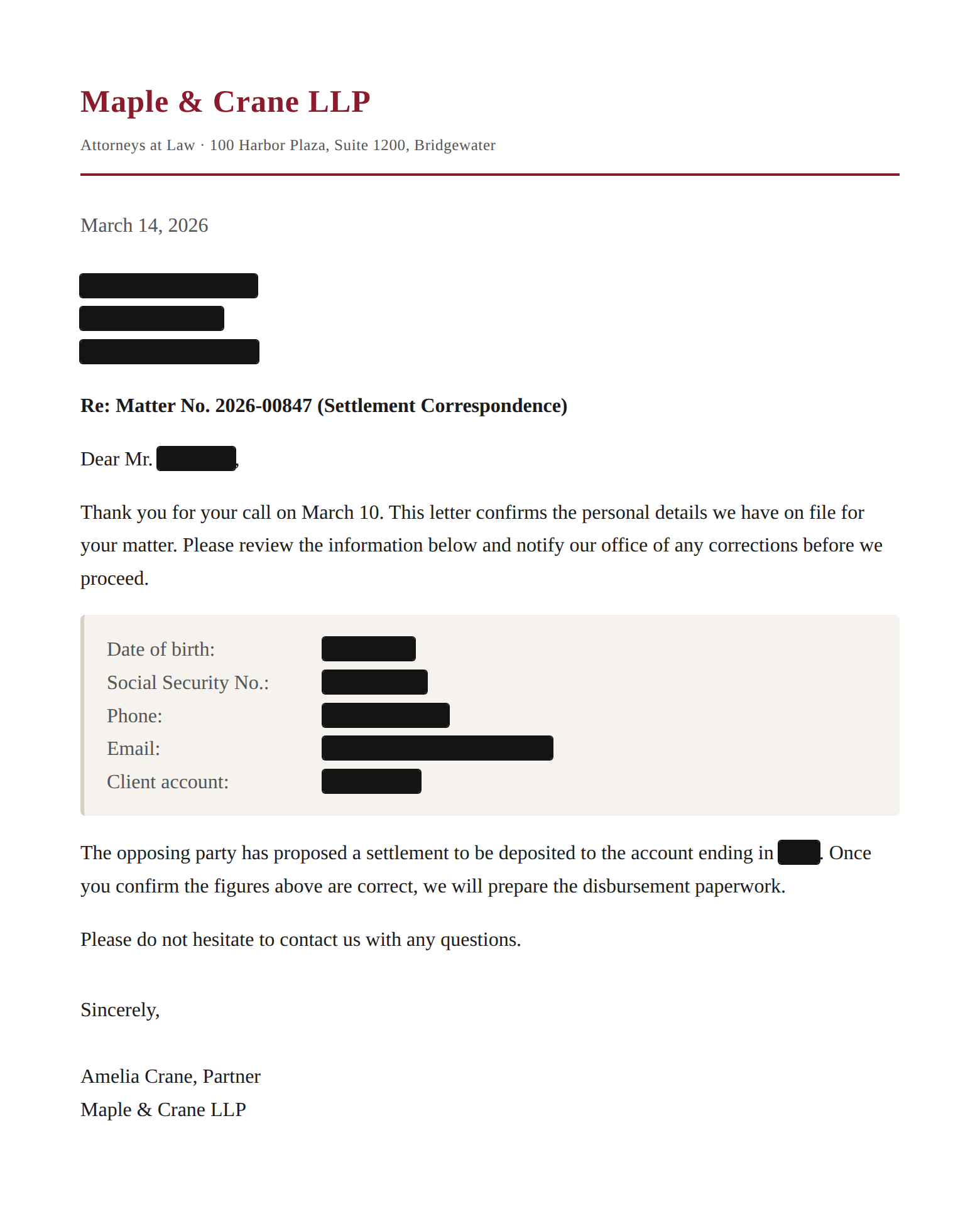 After
AfterYou review before anything is shared
Philter Desktop does the tedious first pass of finding names, numbers, dates, and contact details, using detectors you can turn on or off to match the kind of document you are working with. It is designed to reduce how much personal information slips through, not to be a substitute for your own review, so you always get the final say.
Before you save, you can preview exactly what will be redacted and adjust it. You decide what stays and what goes, and it is worth checking the result against your own documents. When you are done, Philter Desktop can produce a short report of what it changed for your records.
Why the human step matters
No automated tool catches every piece of sensitive information, and none knows your documents the way you do. A name that doubles as an everyday word, an account number in an unusual format, a detail that is only sensitive in context: these are the kinds of things a careful human read catches and software can miss. Treat Philter Desktop as a fast first pass that does the heavy lifting, then give each redacted document a final review before it leaves your hands. That human check is the step that protects you, so it is worth doing every time, especially when the records are sensitive. The guide on handling redaction mistakes covers what to watch for and how to correct anything the app gets wrong.
Nothing leaves your computer
Here is the part that matters most when the document is sensitive: Philter Desktop runs entirely on your machine. Your files are opened, analyzed, and redacted locally. There is no cloud service behind it, no upload, and no account. It works with no internet connection at all.
That means the originals and the redacted copies never leave your computer. There is no server in the middle that could see them, store them, or leak them, because they are never sent anywhere. For anyone handling private records, that is the simplest kind of privacy to trust: the data just stays where it already is.
Philter Desktop is open source under the Apache license, so if your IT team wants to confirm exactly what it does, the code is there to read.
Free to try
Philter Desktop is free for personal and evaluation use. For commercial use it is $199 per user per year.
- Download Philter Desktop for Windows 10 and 11
- Learn more on the Philter Desktop product page
- Read the documentation
- Review the code on GitHub