
Small law firms and solo practitioners
Redact court filings, discovery, and client documents on your own machine, with no IT department required.
Windows desktop redaction

Redact PII from documents on your own Windows computer. Philter Desktop can redact PDF, Word, Excel, text, and email files, including scanned PDFs. Nothing is uploaded, and no service has to be running.
Buying more than one license? Contact us for discounts.
The same document before and after Philter Desktop: sensitive details are detected and blacked out, while the rest of the document stays intact.
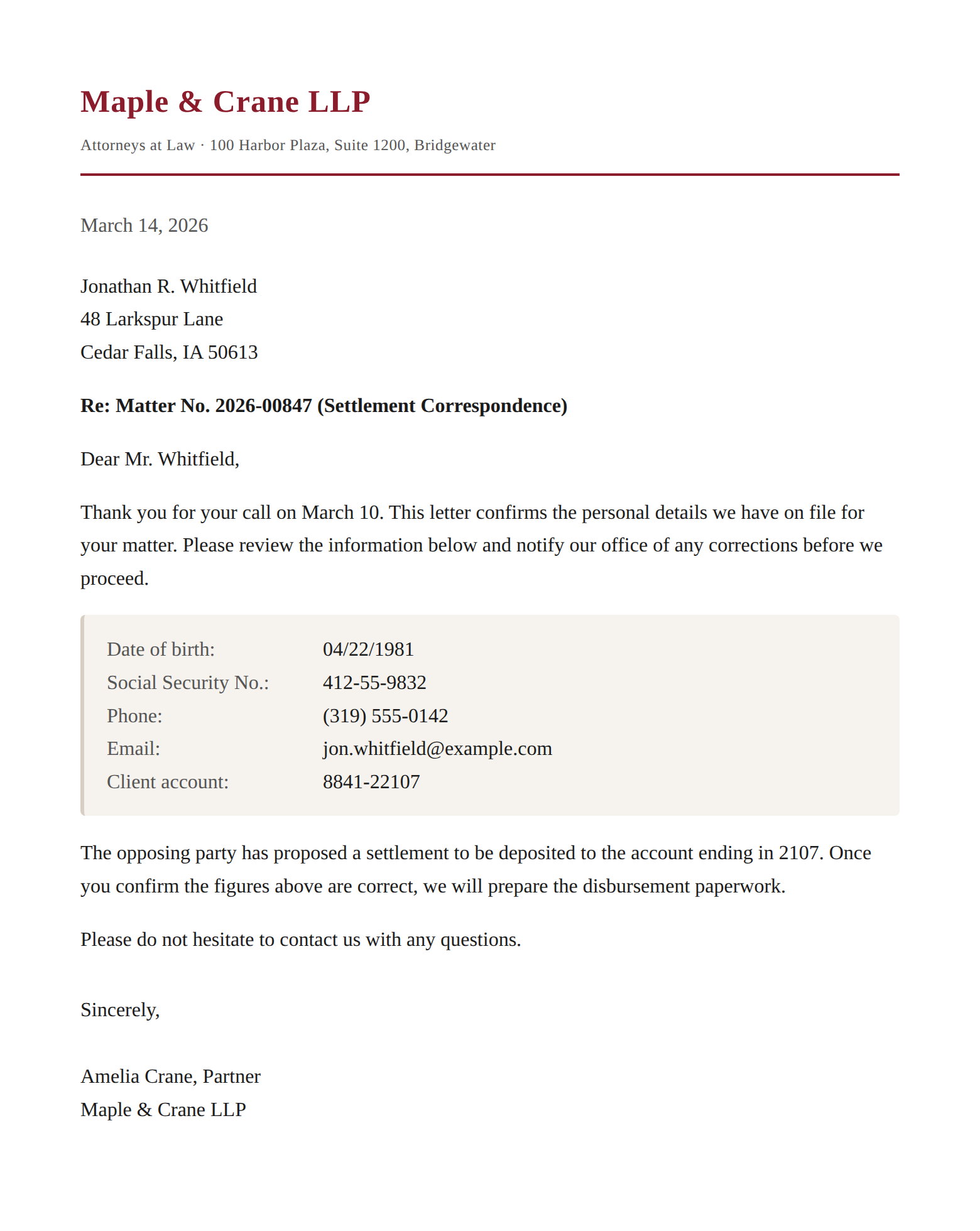
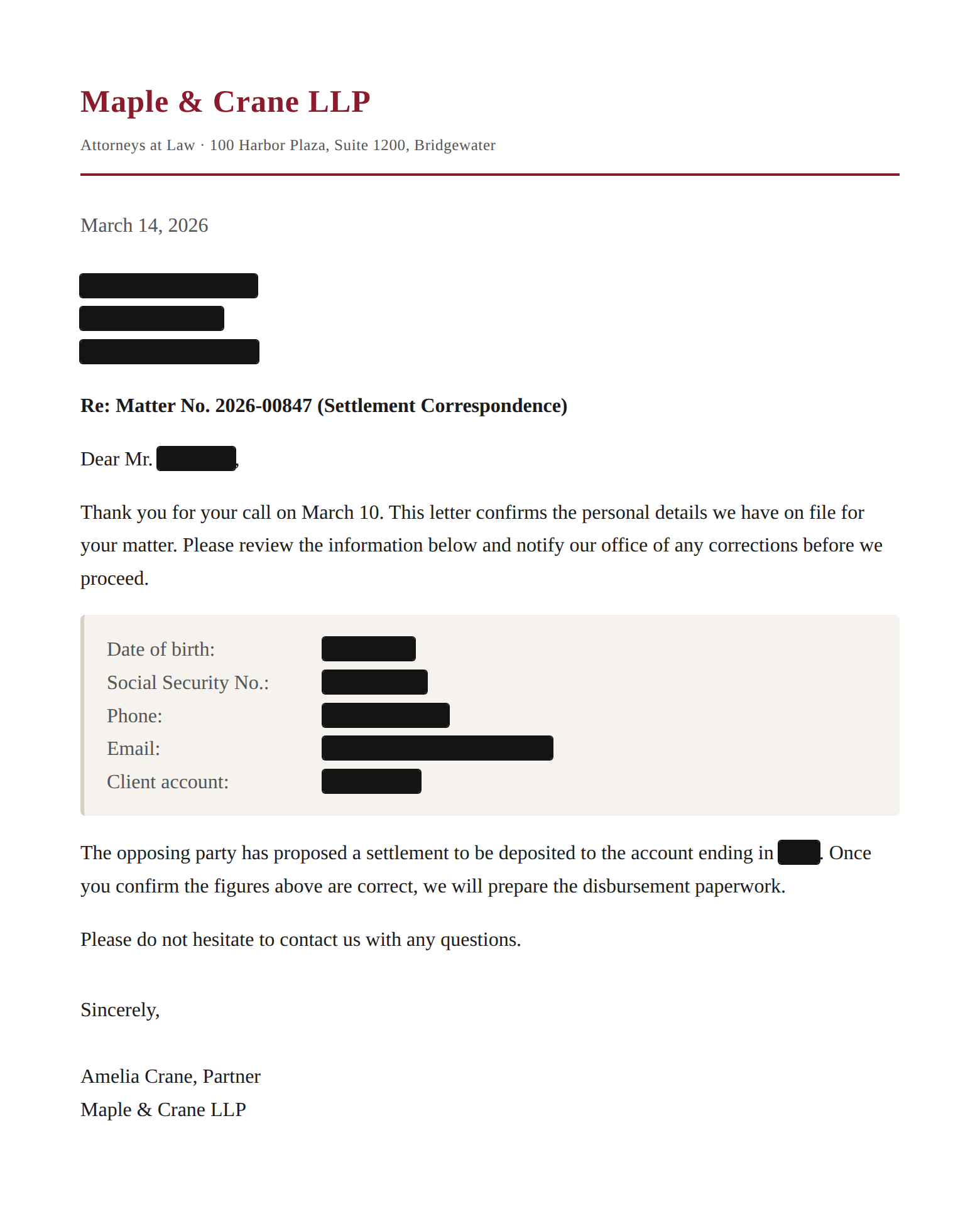
Illustrative example using synthetic data, not real personal information. Detection is configurable and probabilistic; review redacted output against your own documents.
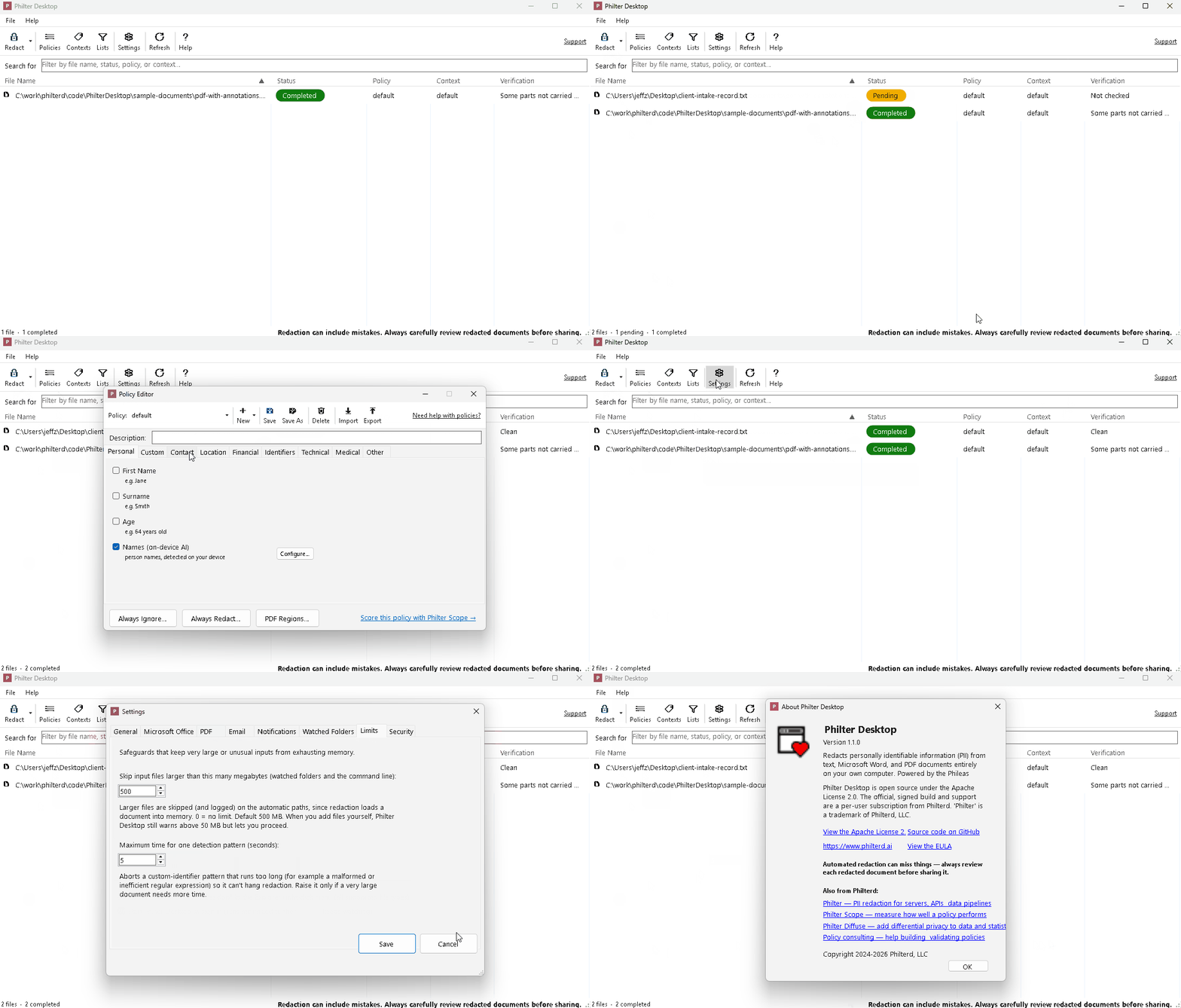
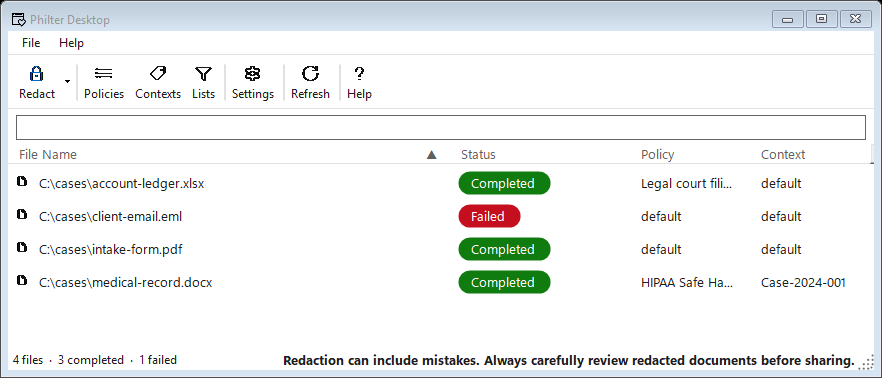
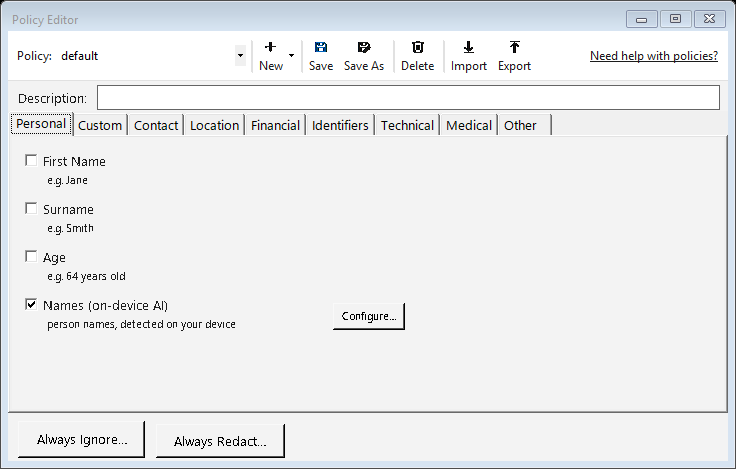
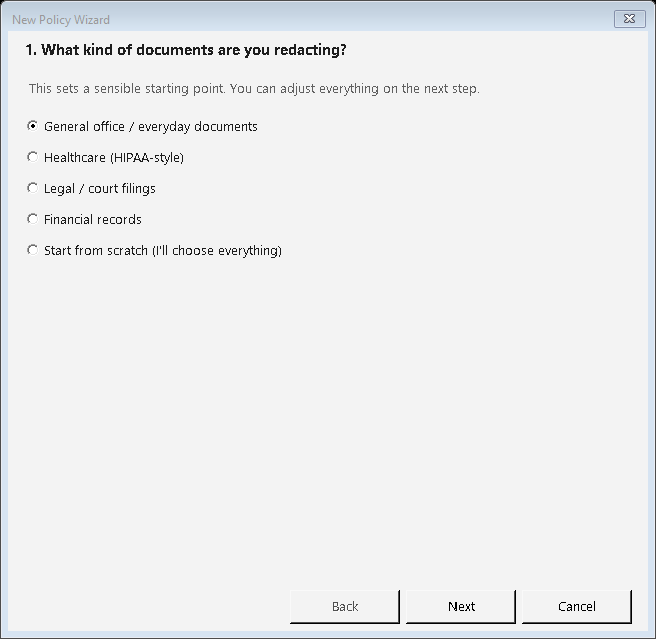
Philter Desktop brings the Philterd redaction toolkit to a single Windows computer, for small law firms, solo practitioners, and business users who need to redact sensitive documents without sending them to a cloud service.
Redact court filings, discovery, and client documents on your own machine, with no IT department required.
Clinics, accountants, and advisors who need to scrub PII and PHI from documents without sending them to a cloud service.
Compliance officers and records staff who redact PII from documents before releasing them for audits, public-records requests, or sharing, all on their own machine.
Need redaction for the whole office? Philter One, coming soon, is a small computer on your office network that several people can use from a web browser, with a review step for every document.
Install and run it like any Windows program — no server, command line, or cloud account. It is open source under the Apache license, so your IT team can audit exactly what it does and confirm your documents stay local.
Redacts PDF, Word (.docx), Excel (.xlsx) and CSV, plain text (.txt), rich text (.rtf), and email (.eml and .msg). Image-only scanned PDFs are read with on-device OCR, so text baked into a scan can be redacted too.
A bundled on-device AI model finds person names in context, while configurable detectors look for Social Security numbers, employer identification numbers, account numbers, emails, phone numbers, dates, and your own custom terms. Start from a ready-made policy or tailor your own.
Preview exactly what will be redacted and adjust it before saving. Philter Desktop can re-scan the finished file to help catch anything missed, and produce a report or a JSON explanation of every change for your records.
Strips Office metadata, comments, tracked changes, and hidden text, and removes identifying email headers such as the originating IP address and mail client — the hidden data ordinary redaction leaves behind.
Point Philter Desktop at a folder and new files are redacted automatically, with it running quietly in the system tray. A command line and a Windows Explorer right-click action handle batch and one-off jobs.
Personal & evaluation
Free
For individual, non-commercial, and evaluation use.
Commercial
$100 USDper user / year
For business and other commercial use.
Buying more than one license? Contact us for discounts.
Philter Desktop opens, analyzes, and redacts each file locally on your own Windows computer. There is no cloud service, no server, and no network call at any step. Your documents, both the originals and the redacted copies, never leave the device, and it runs with no internet connection at all. We cannot see your files, because they are never sent anywhere.
Whether you want to download Philter Desktop and get started or scope a larger offline redaction deployment, you can work directly with the team that builds the toolkit. Contact us about what you are redacting and we will help.